Tame your homepage with Dashboard Groups
For teams with lots of dashboards, use Dashboard Groups to keep things clean
Jan. 25, 2025
After your team has more than just a small handful of dashboards, the long-running list of dashboards starts to get unruly. Fortunately, as team admin you can clean things up by adding a few Dashboard Groups to stay organized.
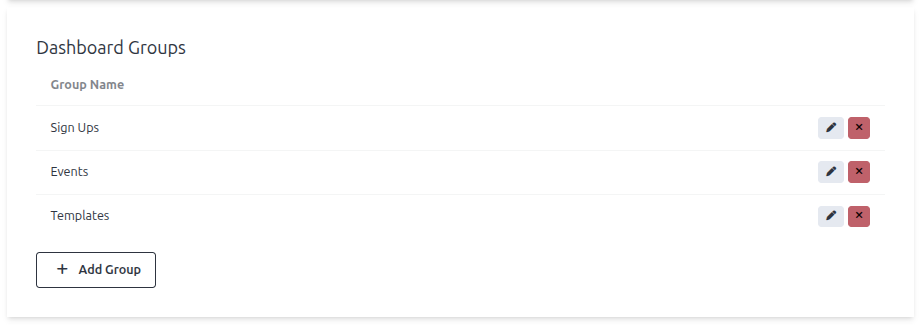
In your "Manage Team" page, just add a few Dashboard Groups
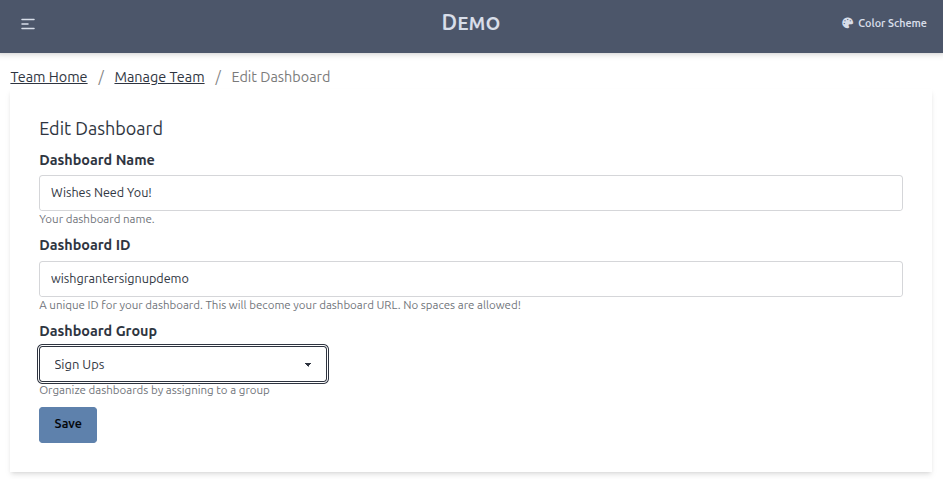
Next, assign each Dashboard to one (or none) of the new groups.
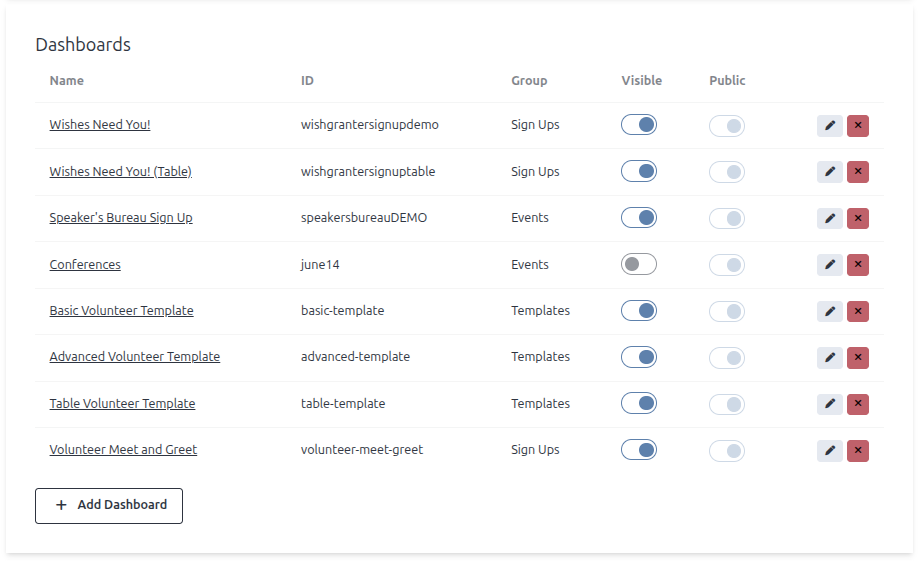
... And that's all! You can see which dashboards are assigned to which group in your "Manage Team" page.
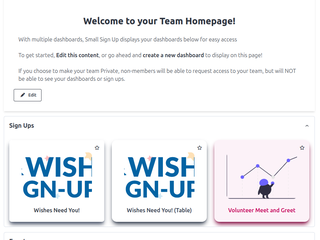
But more importantly, your team homepage will now be organized with drop-down groups containing each dashboard!
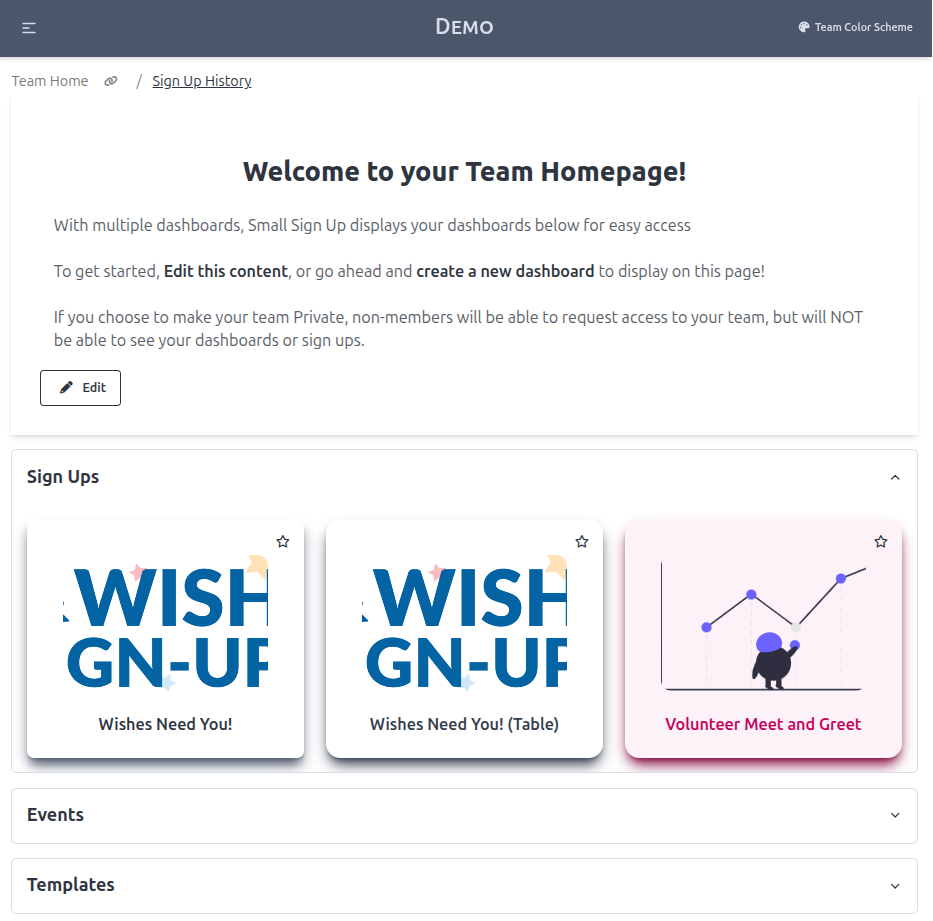
Image Gallery